ProjectM TV and Android
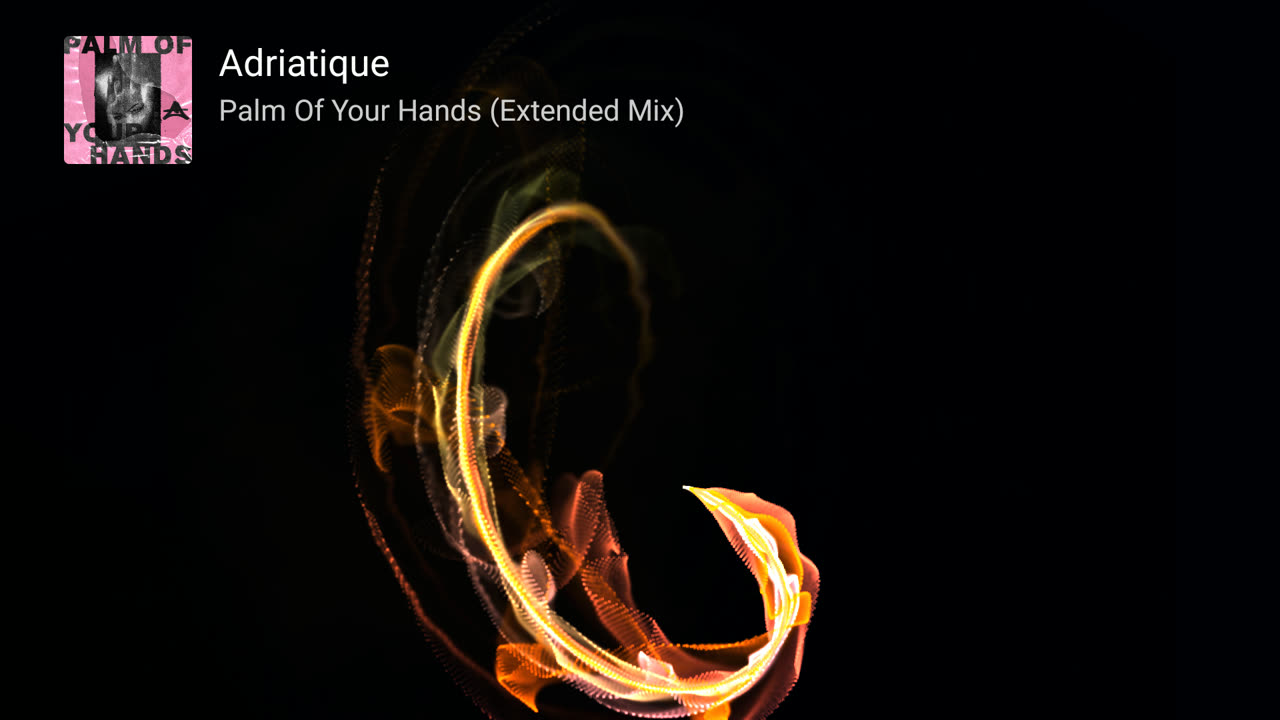
MilkDrop visuals on your TV, phone or tablet, with 9,606 presets and the same ProjectM TV Engine on every device. On the TV the visuals follow a music app; on touchscreen Android you choose microphone input or phone playback.
GitHub editions include the full collection. F-Droid editions start with 20 curated presets and offer the full collection as an optional download. Choose your edition.
Install on your TV with the Downloader app: code 4821216. Install Downloader by AFTVnews, enter the code and confirm. More install options.
Phone or tablet: code 6565691. Get Downloader by AFTVnews from Google Play, enter the code and install ProjectM Android. Phone setup.
Use it
-
Install and get started
Choose the right APK, install with Downloader, and set up audio and track titles.
-
Touchscreen, remote and settings
Swipe and tap on phones, or use the remote on TV. Every setting is described, including phone audio input and TV diagnostics.
-
Preset moods
Combine Energy, Brightness, Colour, Palette, Main colour, Movement, Style and Comfort options with live preset counts, all predicted from each preset's source.
-
Custom preset packs
Upload up to 50,000 of your own presets from a phone by scanning a QR code.
-
Picture quality
Auto resolution up to 4K, Native trails, transitions and device tiers.
-
Troubleshooting
What to check when visuals ignore the music, titles are missing, the picture stutters or a preset stays black.
ProjectM TV listens to the music app's own audio session. ProjectM Android supports microphone input and phone playback capture with your consent. Neither app stores audio. They use the network for GitHub app updates when enabled, for optional F-Droid collection downloads when you request them, and for the temporary local custom-pack upload page.
What makes it different
-
Presets that work
Where projectM differs from MilkDrop 2, the maintained engine patches restore MilkDrop 2's behaviour: its tolerant equation loading, the HLSL its compiler accepted and its Direct3D pixel rules. The catalog links each change to its visual evidence.
-
4K without the darkness
Lines, blur and texel steps keep their authored size, and feedback runs on an authored-scale canvas with sharp native geometry drawn on top. This addresses the resolution-scaling part of projectM issue #682.
-
Adaptive quality
Shaders compile in the background, resolution follows frame rate and free memory, and blends adapt to whichever of the GPU or CPU is the limit.
-
Understood from source
Every preset mood is worked out from the preset's source code without rendering it. The feedback, colour and motion mathematics is checked against real renders, including chaotic presets predicted frame for frame.
Write presets
The authoring guide explains how .milk presets actually execute, based on MilkDrop 2's code and an analysis of thousands of real presets. It covers the file format, frame order, equations, shaders, textures, effects, testing and prediction and ends with a checklist of mistakes found in real presets.
ProjectM TV is open source (LGPL-2.1), and its presets and textures are CC0. Its engine also powers Milkbeat, a music player for Android TV by the same author. Project on GitHub · Releases · Report an issue · Build and test